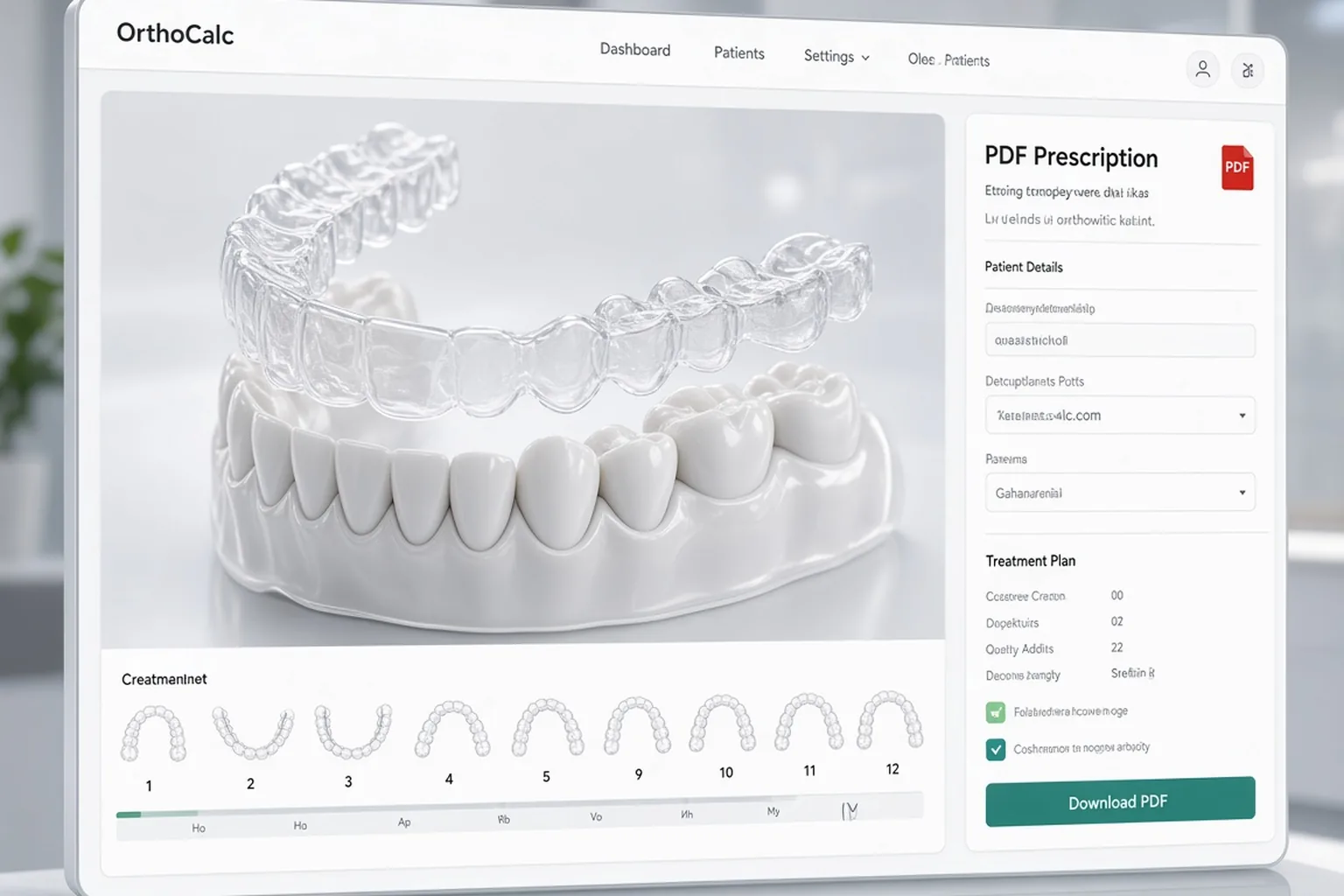
Aligners calculation — space, separation, and lab specs
Fill the space-gaining plan, calculate “Space” and separation, set occlusion goals (distal/mesial, deep/open bite), and download the aligners PDF with upper and lower lab specs. The same numbers feed the braces form if you use a mixed protocol.
5 free patient credits · no subscription · pay only when you expand · convenient on a tablet chairside
What aligners calculation includes
The base is the same treatment plan module as for braces. For the aligner form, calculated “Space”, separation, and which bite you want to correct matter most. The PDF carries lab specs separately for upper and lower arch plus occlusion goals.
Deficiency and segments with coefficients
Separation / gap in the 3–3 zone
Lab specs: upper and lower arch
Goals: distal or mesial, deep or open bite
From model to lab specs without scattered files
Dental-arch biometrics and cephalograms live in the same chart. The clinical picture suggests deficiency and occlusion — you do not move values into a lab email by hand from three spreadsheets.
Fill from the clinical picture
Aligners PDF next to diagnostics
Print or download after calculation
Aligners and braces side by side
One plan grid — two document sets. For orthodontic braces calculation with prescription and positioning, open the sibling page. In the product this is a print/PDF switch, not two calculators.
Shared “Space” calculation
Different form fields for the lab task
Attempt archive in the plan module
How to start
Register, create a patient, run biometrics if you want, open the treatment plan, enter deficiency and segments, choose occlusion goals, click Calculate, and download the aligners PDF. Five free patient credits are enough to test lab specs on a real case.
No subscription — one-time packages
Browser on PC and tablet
Email support
Specs at the appointment
Show aligners calculation from a tablet
After calculation on a PC, the aligners PDF is in the patient chart. At the appointment open the form on a tablet and walk through stages with the patient or assistant.
Lab specs in the cloud
Linked to biometrics and cephalograms
One login from any device
FAQ
Is this a separate aligners calculator?
No. Aligners calculation is PDF/print from the CephCalc treatment plan module.
What goes into lab specs?
Upper and lower blocks plus selected occlusion goals. “Space” and separation are calculated on the plan form.
Do I need a 3D scan?
Not for the plan form. STL/CBCT live in the 3D analysis module nearby if you use them.
How does it differ from braces calculation?
Shared space gaining. The aligner form has lab specs and bite; the braces form — prescription and positioning.
What does it cost to start?
Registration is free; 5 patient credits included. Then one-time packages, no subscription.
We use technical browser data for site operation, authentication, and analytics. Third-party services (including Yandex.Metrica) may also store data in your browser.